Nice feature- open all cameras window by clicking SS icon in doc.

I just found this by accident-- when you accidentally close the all cameras window, all you have to do is click the Security Spy icon in the doc to reopen. I like it!
Comments
-
Yes! Apple's user interface guidelines state that if the Dock icon is clicked for an application that has no windows option, it should open its default window. And, in SecuritySpy, you have a choice of which window this should be, as chosen via the "Default window" setting under Settings > Display.
-
The ability to change which camera via the Default Window setting is lovely! It's also good that it opens the window in the last state in terms of the size and location. However this doesn't seem to work when the window has been maximised. That would be awesome if that worked!
-
Ugh, this no longer works. Why was it changed?
-
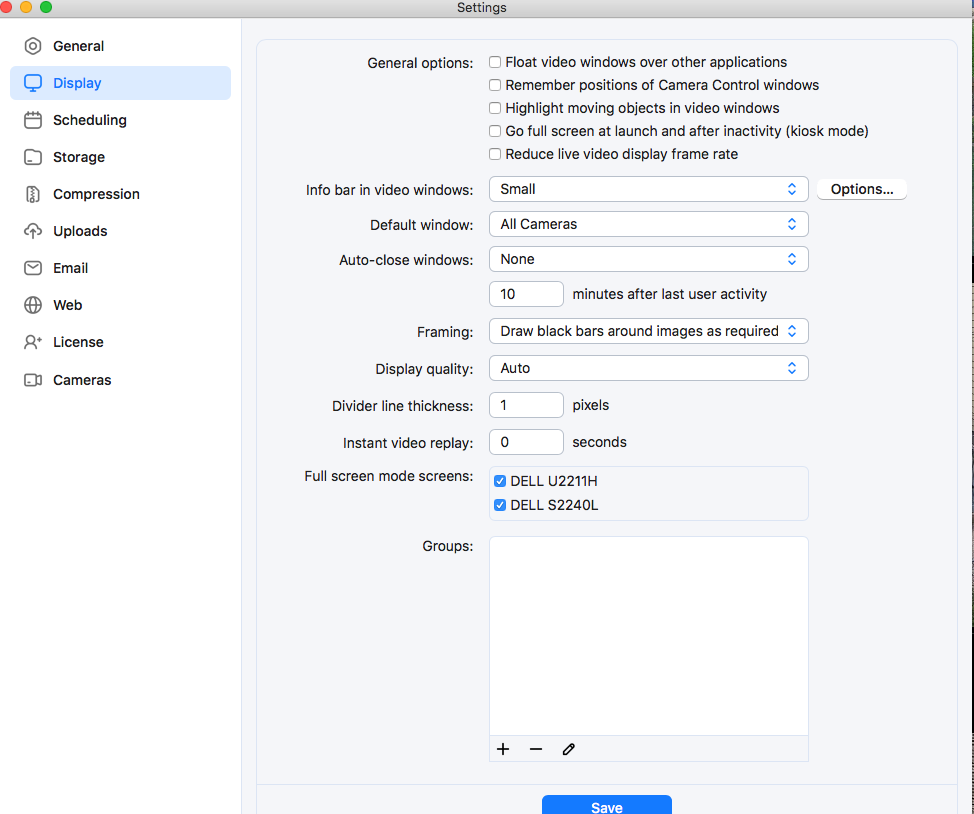
I certainly didn't change any settings, and they look correct. A bug in the newest build? Running 6.19.
-
Hi @nealk nothing has changed - if SecuritySpy has no windows open and you click its Dock icon, the window you have selected as the default window will open (the All Cameras window by default).
Note that this only happens if there are no other windows open in SecuritySpy - if you have any other window open (Camera Info, Settings, URL Uploads, anything), then SecuritySpy will come to the front as usual when you click its Dock icon, but the default window will not open. This is as per Apple's UI guidelines - the idea is to avoid the situation where nothing happens when a Dock icon is clicked, which would be confusing to the user. If there are already windows open, they come to the front, so the user sees the result of the action, and no further action like opening a currently-closed window needs to be taken.

