Focus Control

I have an IP2M-858. SecuritySpy and the Cloud viewer seem to be lacking a way to manually control the focus. I have a bird feeder about 10' in front of a brick wall, and the auto focus picks the wall so the feeder is completely blurred out. (Can't seem to post a picture here.) Any fix?
Comments
-
According to this camera's user manual, this can be done via the camera's web interface.
Locate the Camera/Configuration screen, which looks lie this: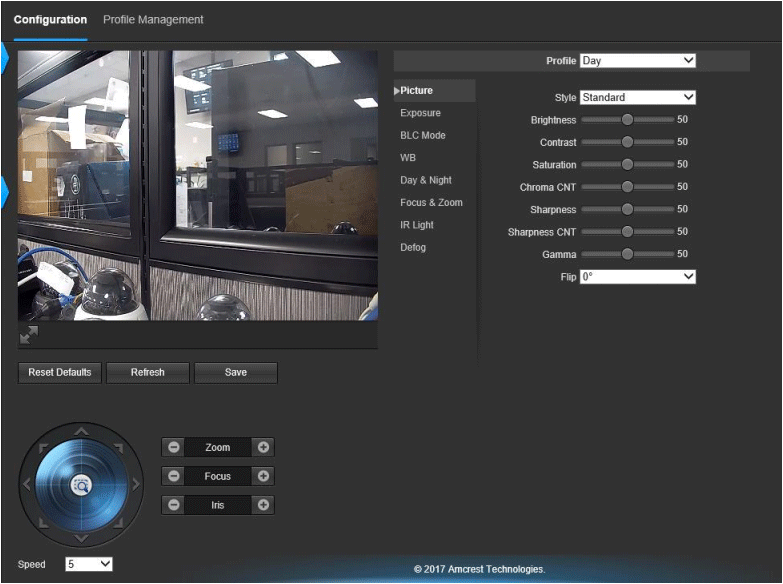
Firstly, click on "Focus & Zoom" and set the camera to manual focus. Then, use the focus controls under the live video view to adjust the focus.
Does that do it? -
Dunno if rhildreth is still out there but I'd be interested to hear how this worked out.
